Zyphra
Zyphra
Zyphra
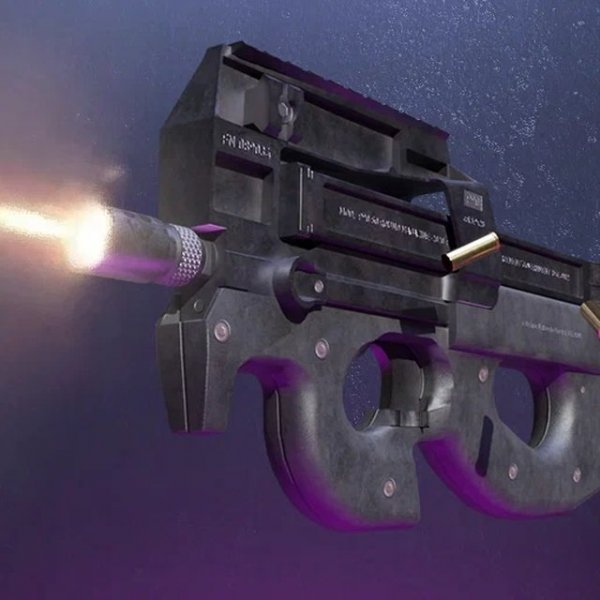
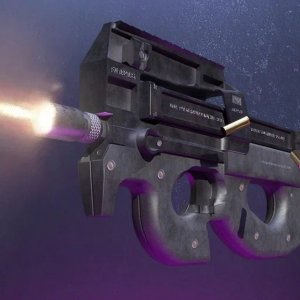
P90 Blaster Simulator is a well-designed online game that teaches blaster mechanics in a safe, family-friendly way. The mouse controls are intuitive, making it easy to load, aim, and upgrade. The game runs smoothly on all devices and offers a satisfying learning experience without any inappropriate content.
P90 Blaster Simulator Online Game is a browser-based simulation that focuses on the mechanical operation of a blaster. The core objective is to learn and perform realistic steps such as loading, cocking, and firing using simple mouse controls. What makes this game unique is its educational approach to understanding how a blaster works, all within a safe, non-violent environment suitable for players of all ages. Released in January 2023, it uses HTML5 technology to run smoothly on modern browsers, including mobile devices and tablets.
Players use the mouse to perform all actions in the game. The typical sequence begins by inserting a magazine with cartridges into the blaster, then pulling the bolt to prepare for firing. After shooting, when ammunition is depleted, players can reload by clicking an icon on the left side of the screen. The controls are designed to be intuitive and easy to learn, making the game accessible to beginners and experienced players alike. A store is also available where players can upgrade their blaster to enhance its performance.
Key features include realistic mouse controls that simulate the mechanical steps of operating a blaster, such as inserting a magazine and pulling the bolt. The game offers upgrade options that allow players to improve their blaster's performance, adding a sense of progression. The gameplay is family-friendly and educational, focusing on mechanical understanding rather than violence. The game runs on HTML5 technology, providing full-screen support and a seamless experience across desktop and mobile browsers.
To get the most out of the game, practice the sequence of actions until it becomes second nature. Start by mastering the basic steps of loading, cocking, and firing before attempting faster reloads. Visit the store regularly to invest in upgrades that can make your blaster more efficient. Take advantage of the responsive mouse controls to improve your accuracy and timing. Finally, remember that the game is designed to be educational, so take your time to understand each mechanical step.